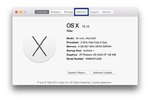
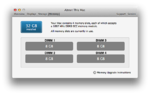
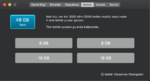
Sorunun nasıl çözüldüğünü yardımcı olması için yazıyorum. Tesadüf eseri öğrenmiş bulundum, paylaşıyorum.
Fix Memory Tab in About This Mac (KAYNAK)
The default iMac19,1 SMBIOS configuration used in this build sets PlatformFeature=0x22, which indicates that the system lacks user-upgradable memory and therefore hides the Memory tab on About This Mac (as seen above) and any empty memory slots in the System Report. This can easily be fixed by using Clover Configurator to set PlatformFeature=0x20 in the SMBIOS section and rebooting.
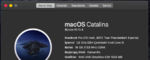
Aynı şekilde i7 9700K işlemcim i9 olarak görünüyordu. Bunun çözümü de aynı kaynakta verilmiş.
Fix CPU Type in About This Mac
For some reason, About This Mac and System Report do not properly identify the processor and list it as an 'Intel Core i9' instead of an 'Intel Core i7.' This can easily be fixed by using Clover Configurator to set the CPU Type to 0x0705 and rebooting.
Yeni hali bu şekilde oldu


 84.7 KB Görüntüleme: 551